
The next adventure
From the first flight to the last coffee. Keep every shared cost in one place.
 Spliteo.
SHARED EXPENSES, SORTED
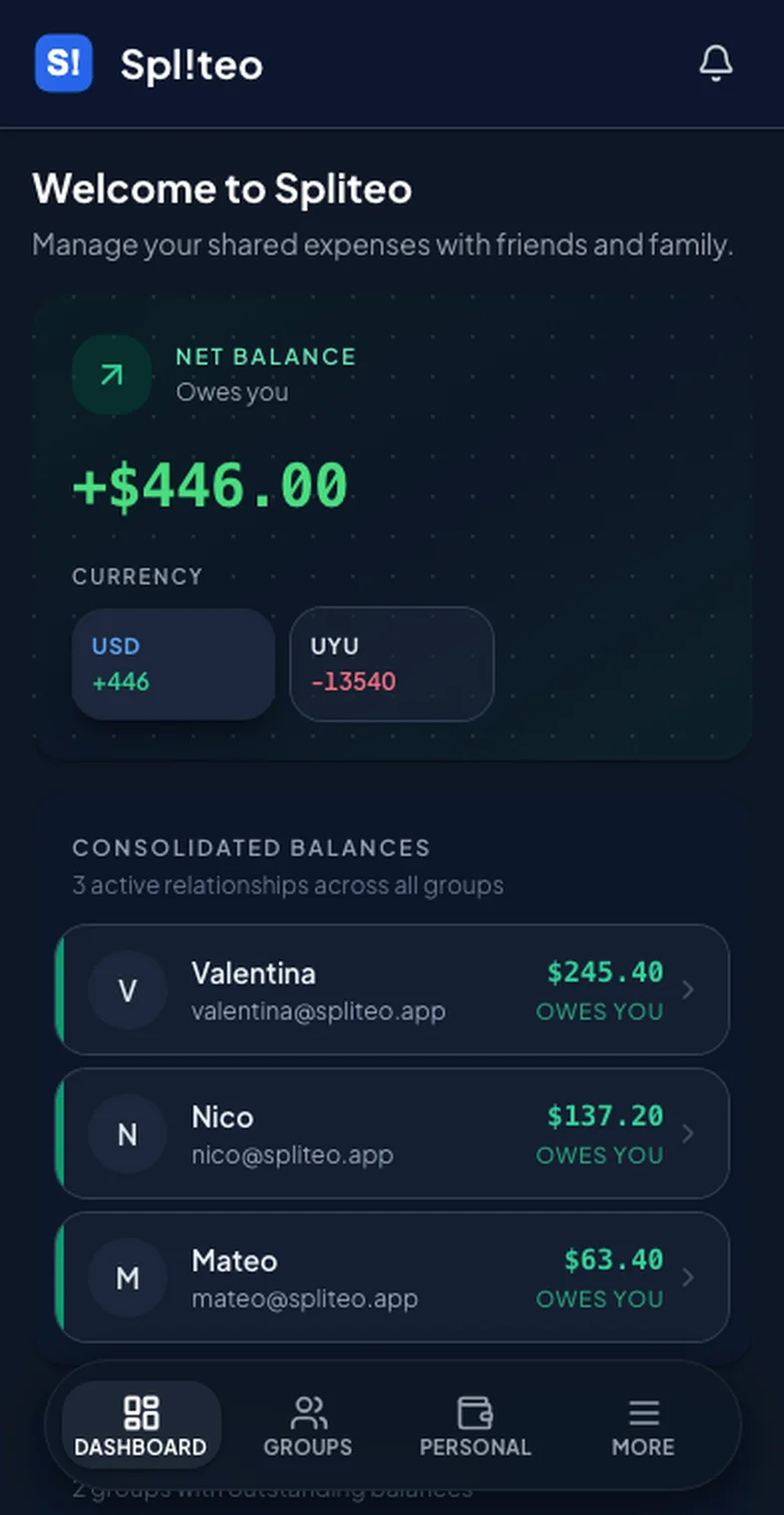
See what you owe and who owes you across all your groups, in one place. Split expenses with friends, free on web, iOS and Android.
Scroll to see how it works
FOR THE EVERYDAY & THE GETAWAY
Big adventures, small routines, and all the shared moments in between.
From the first flight to the last coffee. Keep every shared cost in one place.
Rent, groceries, internet. Keep the household running and the conversations easy.
Dinner, concert tickets, or one more round. Enjoy the moment and sort the split.
ONE APP. BOTH SIDES OF YOUR MONEY.
Split expenses with your groups, track your own budgets and goals, and connect your AI assistant
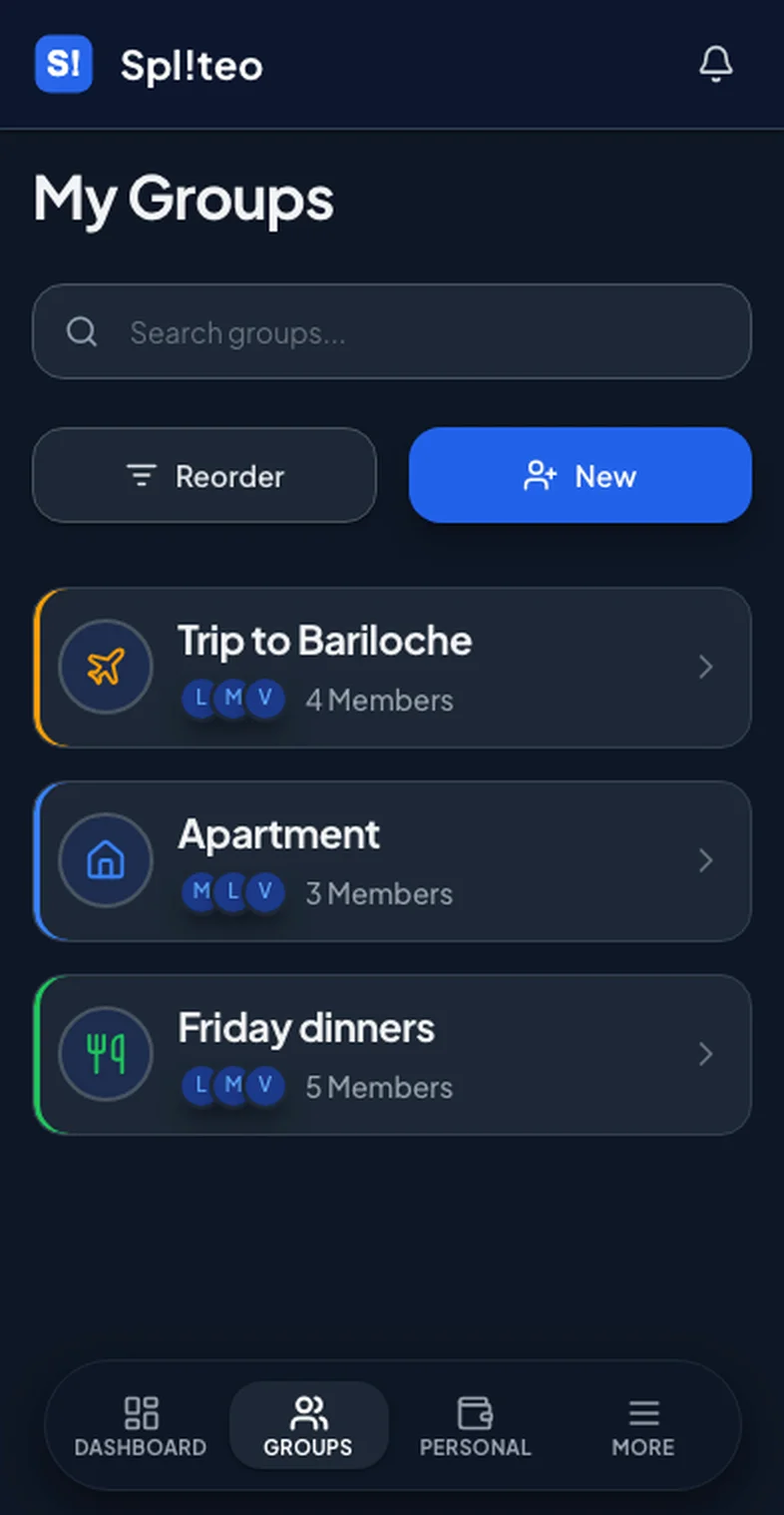
Create and organize groups, add members, and manage shared expenses easily.
Budgets, savings goals and your own transactions — with group expenses synced in automatically.
Connect Claude, ChatGPT or any MCP client and handle your money in plain language — check balances, add expenses, review budgets.
Track expenses in several currencies in one group. Balances stay exact in each currency, with no forced conversion.
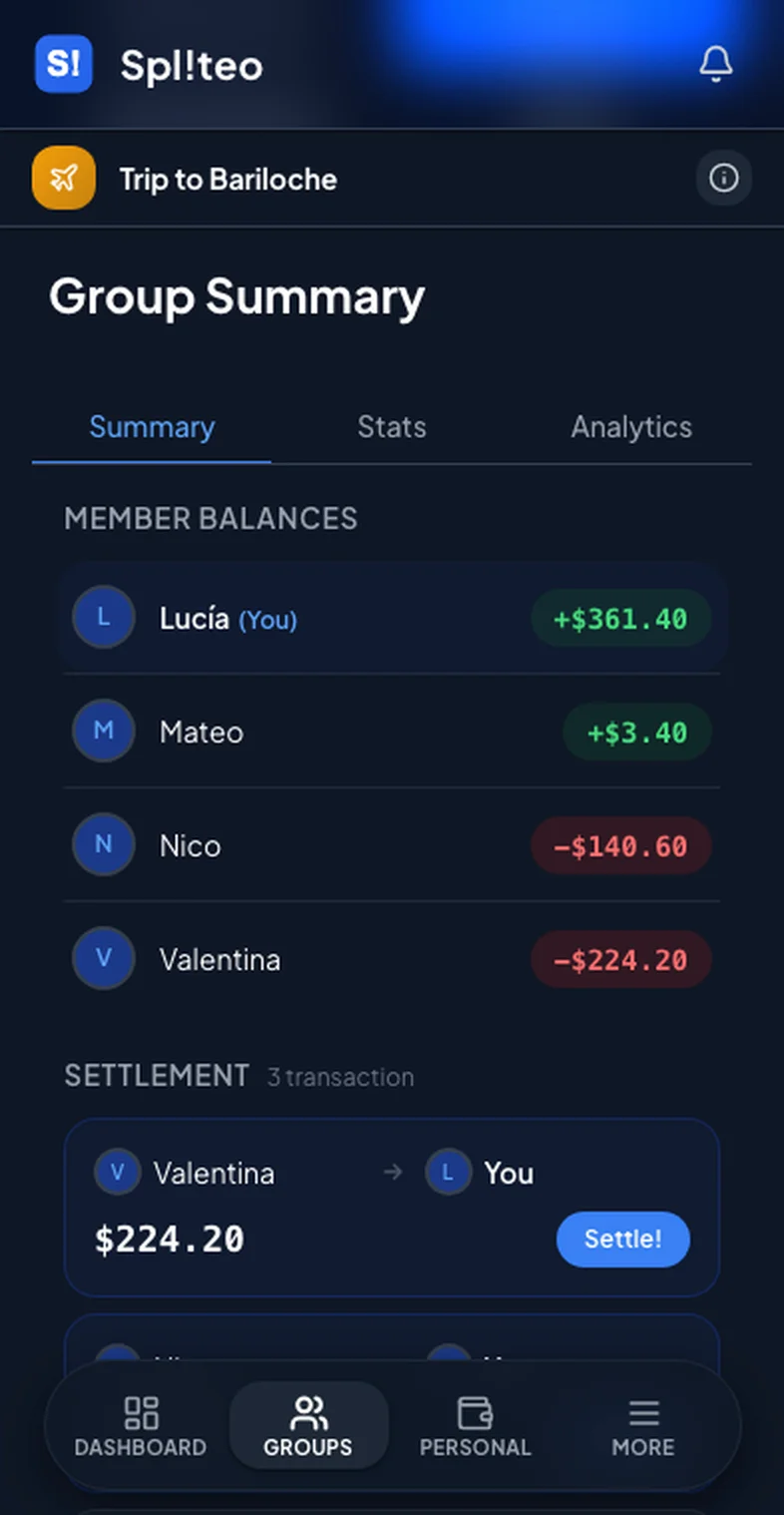
Settle up in a few payments with suggested transfers.
View net balance across all groups and currencies in one unified dashboard.
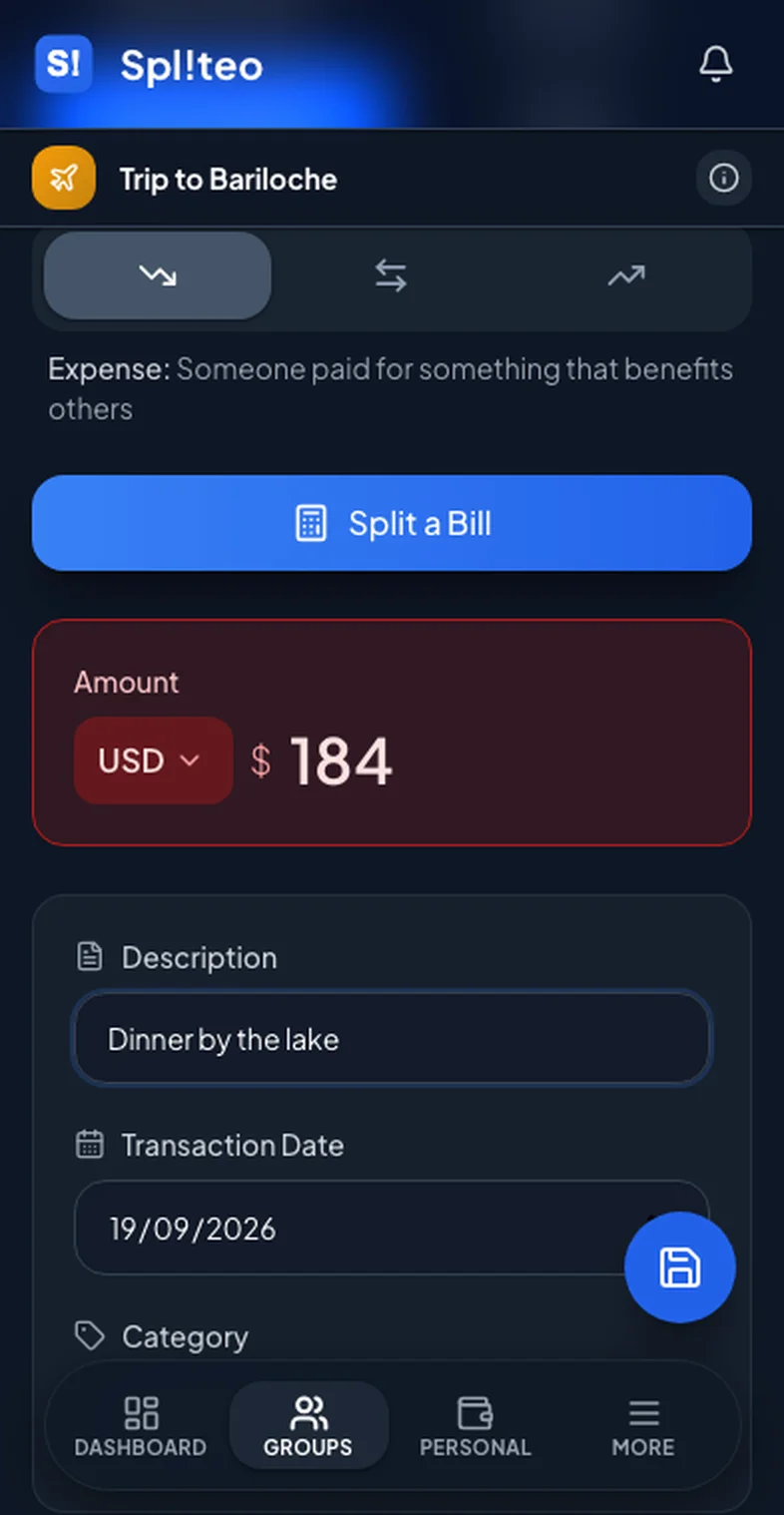
Track shared expenses in real time with clear breakdowns and history.
Attach receipt photos to expenses for easy reference and record keeping.
Invite friends via shareable links or email in just a few clicks.
How It Works
Get started in three simple steps
Invite people. Pick a currency.
Add what you paid. We handle the split.
See who owes who — settle in fewer payments.
Choose the plan that works for you. Upgrade or downgrade anytime.
Free help with splitting trips, rent and everyday costs, whether or not you use Spliteo.
No signup, and nothing you type leaves your browser.
An honest comparison of free plans, daily limits and currencies.
Read the guideRent, utilities and groceries, split in a way everyone agrees on.
Read the guideKeep a trip fair without spreadsheets or awkward math at the end.
Read the guideFAQ
Find answers to common questions about Spliteo
Yes! Spliteo supports multiple currencies within the same group. You can add expenses in different currencies and the app will track each currency separately without forcing conversions. This is perfect for international trips or groups with members in different countries.
No! Spliteo has a unified dashboard where you can see your total balance across all groups at a glance. You'll see who owes you and who you owe across all your groups in one place, making it easy to track your overall financial situation without switching between groups.
Absolutely! Spliteo includes analytics features that help you visualize your spending patterns over time. You can see breakdowns by category, track your expenses across different groups, and get insights into where your money is going. It's a great tool for personal expense tracking in addition to splitting costs with others.
Both. Alongside the group splitting, Spliteo has a full personal finance module: your own transactions, budgets and savings goals, with category analytics. Your share of any group expense syncs into it automatically, so your personal numbers already include what you spend with others — you don't have to enter anything twice.
Yes. Spliteo runs an MCP server, so Claude, ChatGPT or any MCP-compatible client can work with your finances in plain language — check balances, add expenses, review budgets and goals, all from the chat. You set it up in Settings → AI Assistant, and it's available on Premium.
No, Spliteo is a tracking and calculation tool only. It doesn't connect to your bank account or process payments. Instead, it helps you keep track of who owes what and provides optimized settlement plans. You settle debts outside the app using your preferred payment method (cash, bank transfer, Venmo, etc.).
LESS MATH. MORE LIFE.
Free to start, no card required — on web, iOS and Android